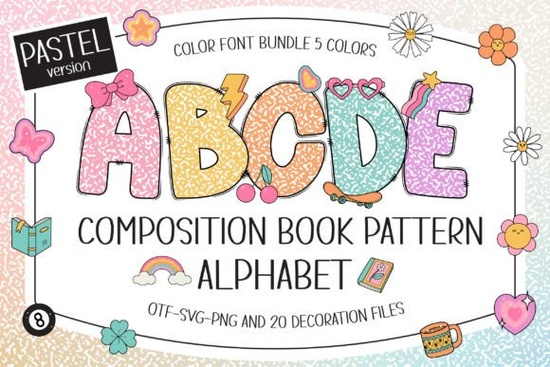
If you're looking for a playful, classroom-friendly font that nods to both vintage composition notebooks and early-2000s charm, the Composition Book Pattern Pastel Font fits right in. It’s not just another alphabet it layers soft pastel tones over the familiar lined-black background of classic composition books, then adds 20 Y2K-style doodle cliparts (think stars, hearts, swirls, and mini icons) to give your text extra personality. Whether you’re designing printable flashcards, custom name tags for preschool, or cheerful sublimation-ready T-shirt designs, this font brings warmth and familiarity without feeling dated.
What makes this font different from other “school-themed” fonts?
Most school-inspired fonts lean either ultra-minimalist or overly cutesy but this one strikes a balance. The base is instantly recognizable: black ruled lines, clean margins, and a subtle notebook texture baked into each letter. Then it layers on five coordinated pastel palettes mint, lavender, blush, sky blue, and buttercup so you can match it to your brand palette or seasonal project. Unlike standard outline or solid fonts, this version is color-aware: each letter includes fill, stroke, and background elements as part of the glyph itself. That means no extra steps to recolor letters manually just type, and it appears ready to go.
Which design programs actually support it?
This matters more than most listings admit. The Composition Book Pattern Pastel Font works natively in Adobe Photoshop, Illustrator, Silhouette Studio (with Designer Edition), and Inkscape. You’ll get OTF and TTF files, but keep in mind: the color version won’t load in Cricut Design Space. If you use Cricut, stick with the black-only version (which is compatible) or explore alternatives like the Sweet Scribble Font, which offers similar hand-drawn energy with broader cutting-machine support.
Where does it work best in real projects?
You’ll find this font shines where warmth and approachability matter especially in education and personalization:
- Classroom media: Bulletin board headers, behavior charts, editable name plates, and digital worksheets that feel inviting not sterile.
- Scrapbooking & journals: Use the doodle cliparts as standalone elements or tuck them beside typed journal entries for visual rhythm.
- Personalized gifts: Baby shower banners, first-day-of-school signs, or graduation keepsakes where soft colors and nostalgic texture resonate.
- Print-on-demand & merch: Works well for sublimation mugs, tote bags, and kids’ apparel pastels print cleanly on light fabrics, and the thick-lined style holds up at small sizes.
How do you pair it without overwhelming your layout?
Because the font already carries visual weight (texture + color + doodles), keep supporting elements simple. Try pairing it with a clean sans-serif like Montserrat or Open Sans for body text or captions. Avoid other heavily textured or script fonts in the same piece this one is meant to be the friendly focal point, not part of a busy ensemble. If you’re using the included doodle cliparts separately, scale them down and scatter them lightly as accents not full borders.
One thing to double-check before downloading
Make sure your software supports OpenType color fonts (COLR/CPAL tables). Not all versions of older Illustrator or free graphic tools handle them smoothly. If you open the file and see blank boxes or default fallback characters, you’re likely using an unsupported program or need to update. When in doubt, test with a single letter first. And if you love this aesthetic but need wider compatibility, the Composition Book Pattern Pastel Font page also links to alternate formats and matching resources.
Before you start designing:
- Confirm your software supports color fonts (check version notes or try a free trial file).
- Pick one pastel palette and stick with it across your project for visual consistency.
- Use the doodle cliparts sparingly: one or two per layout is often enough to add charm without clutter.
- For sublimation, export final artwork as high-res PNG (300 DPI) with transparent background.
- Save a copy of the black-only version too it’s useful for laser-cutting or when color isn’t an option.
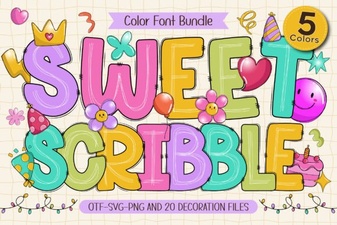 Sweet Scribble Font for Creative Projects
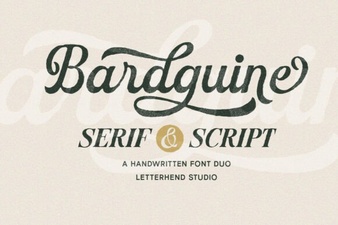 Crafting Projects with Bardguine Font Duo
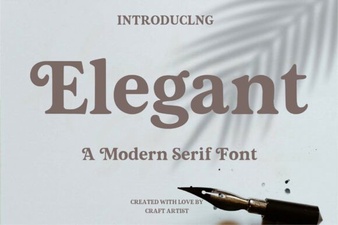 Choosing the Perfect Elegant Font for Your Design Project
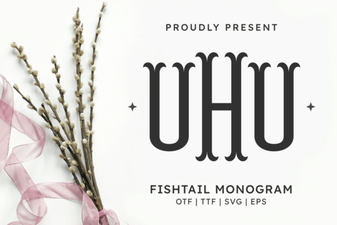 Fishtail Monogram Font for Creative Projects
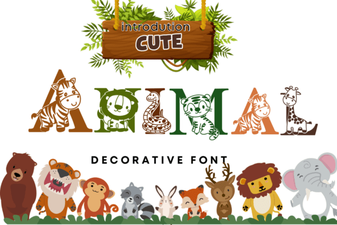 Cute Animal Fonts for Creative Projects & Crafts
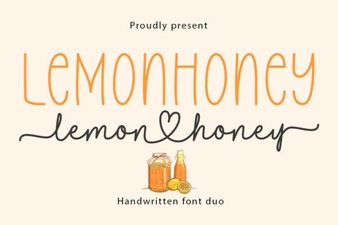 Lemonhoney Duo Font: Free Download & Pairing Ideas